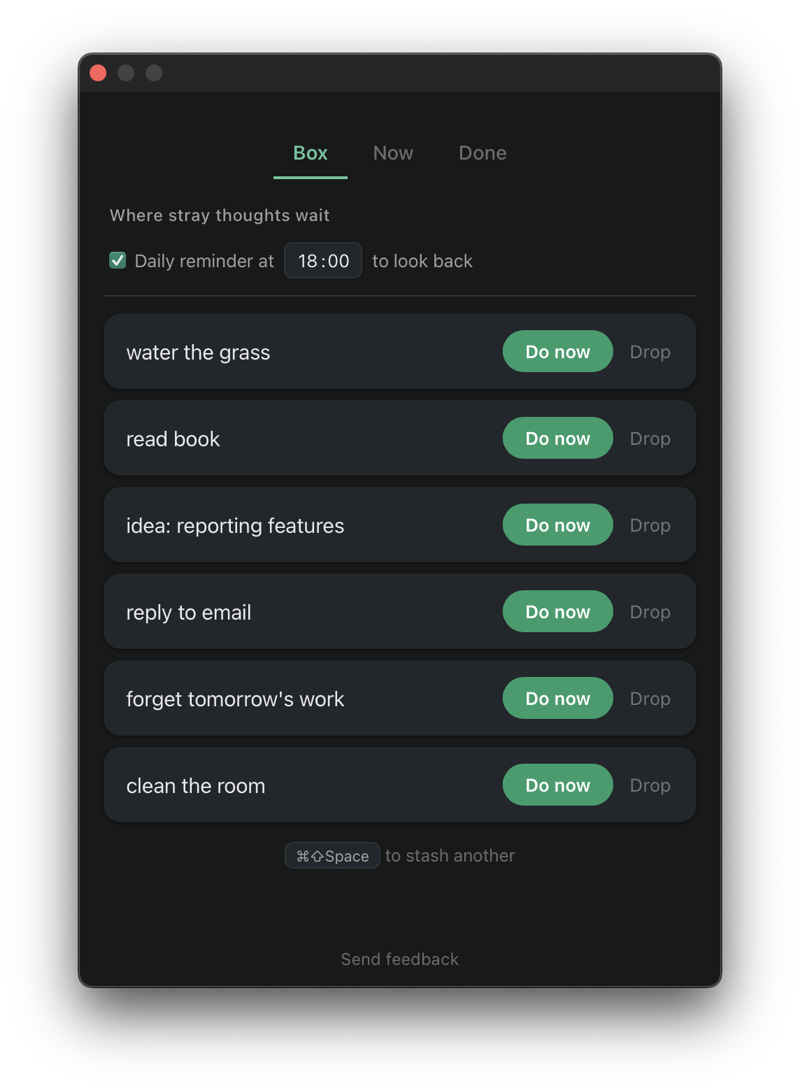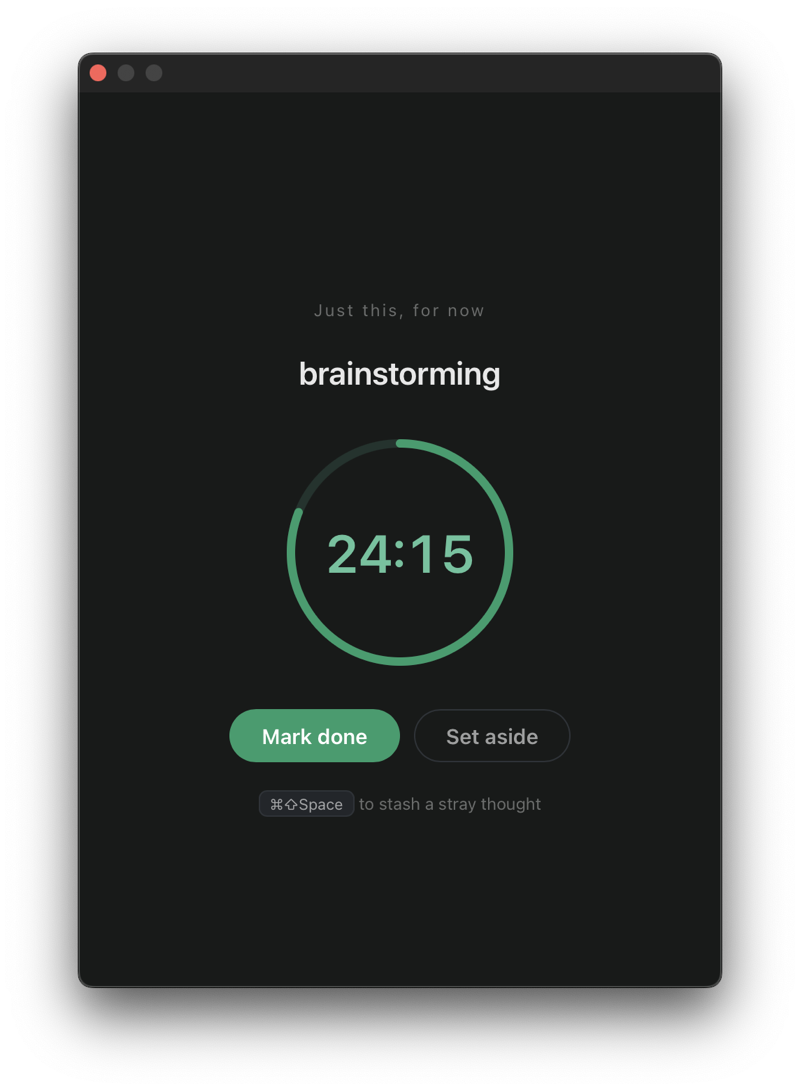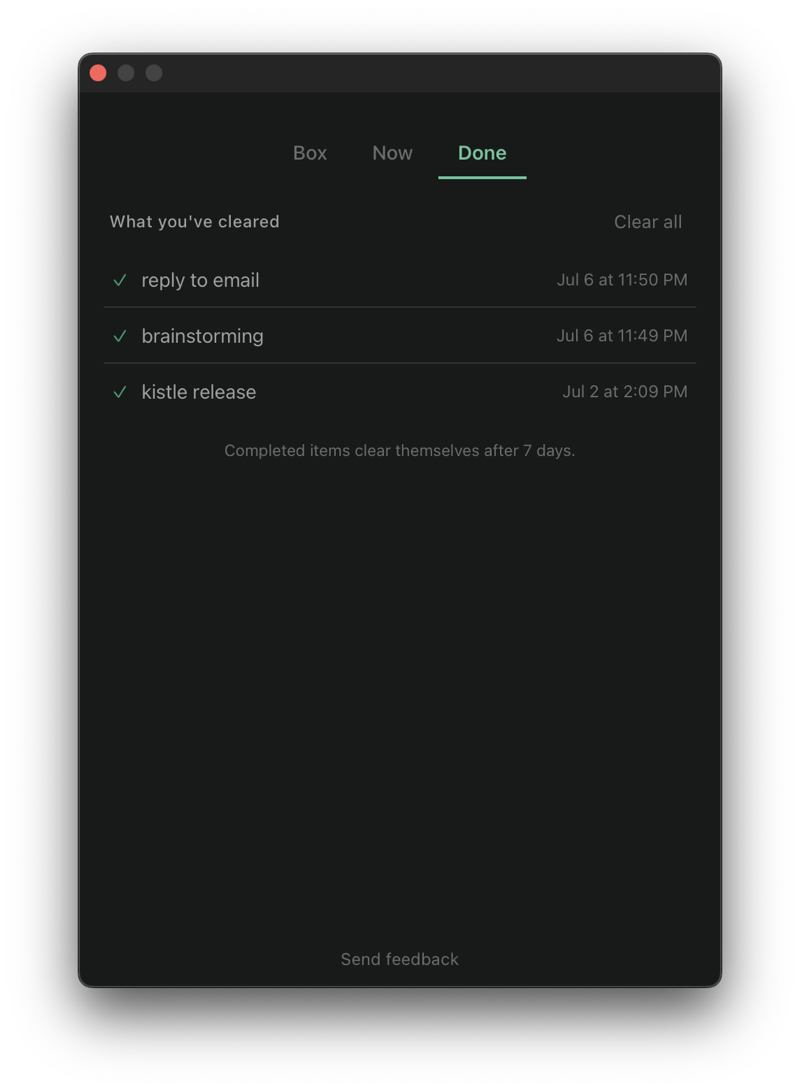

A quiet macOS app. Hit ⌘⇧Space, jot what just barged in, and you're back to work — it waits in your box until you're ready to look.
Free · Notarized by Apple · Apple Silicon (M1 and later) · macOS 11+
When your brain interrupts your brain
You're deep in something that matters. A stray thought barges in — an errand, a worry, a better idea. Ignore it and it keeps knocking; chase it and you've lost your place.
Every thought you can't act on yet is an open loop — and open loops nag, quietly, until they're closed. Kistle gives each one a place to wait, so your mind can let go.
Made by a maker with ADHD/OCD, for the same kind of mind.
How it works — the loop
⌘⇧Space from anywhere. One line. ~0.5 seconds. Back to work.
The thought sits in your Later box — never lost, never nagging.
An optional gentle reminder to review the box.
Do it now, set it aside, or let it go. Then back to focus.
Not just a place to dump thoughts — a calm loop that actually closes.
A global shortcut, one line, instant return to what you were doing.
Nothing auto-deletes, nothing pings. Your thoughts are there when you're ready.
Look back, decide, and clear — without it ever becoming a chore.
Kistle is built to disappear into your day and protect your attention — the calm opposite of an app fighting for it.
Everything stays local. No account, no cloud, no sync. The only time Kistle touches the network is when you choose to send feedback.
One short email when something meaningful ships — new features, fixes, an occasional ask for feedback. That's it.
Free to use — and the everyday core always will be. A future optional Pro may add power features for those who want them.